> For the complete documentation index, see [llms.txt](https://docs.rh-webdesign.com/cms-bundle/llms.txt). Markdown versions of documentation pages are available by appending `.md` to page URLs; this page is available as [Markdown](https://docs.rh-webdesign.com/cms-bundle/en/elemente/medien/datei-download.md).
# File / Download
Downloads in Shopping Experiences
This element is ideal for providing your shop customers with PDF documents, manuals, product brochures, whitepapers, or other files conveniently. You can upload various file formats such as PDF, DOC, ZIP, or images and make them available for download to your shop visitors.
### File Settings
| Function | Description |
| ------------------------ | ------------------------------------------------------------------------ |
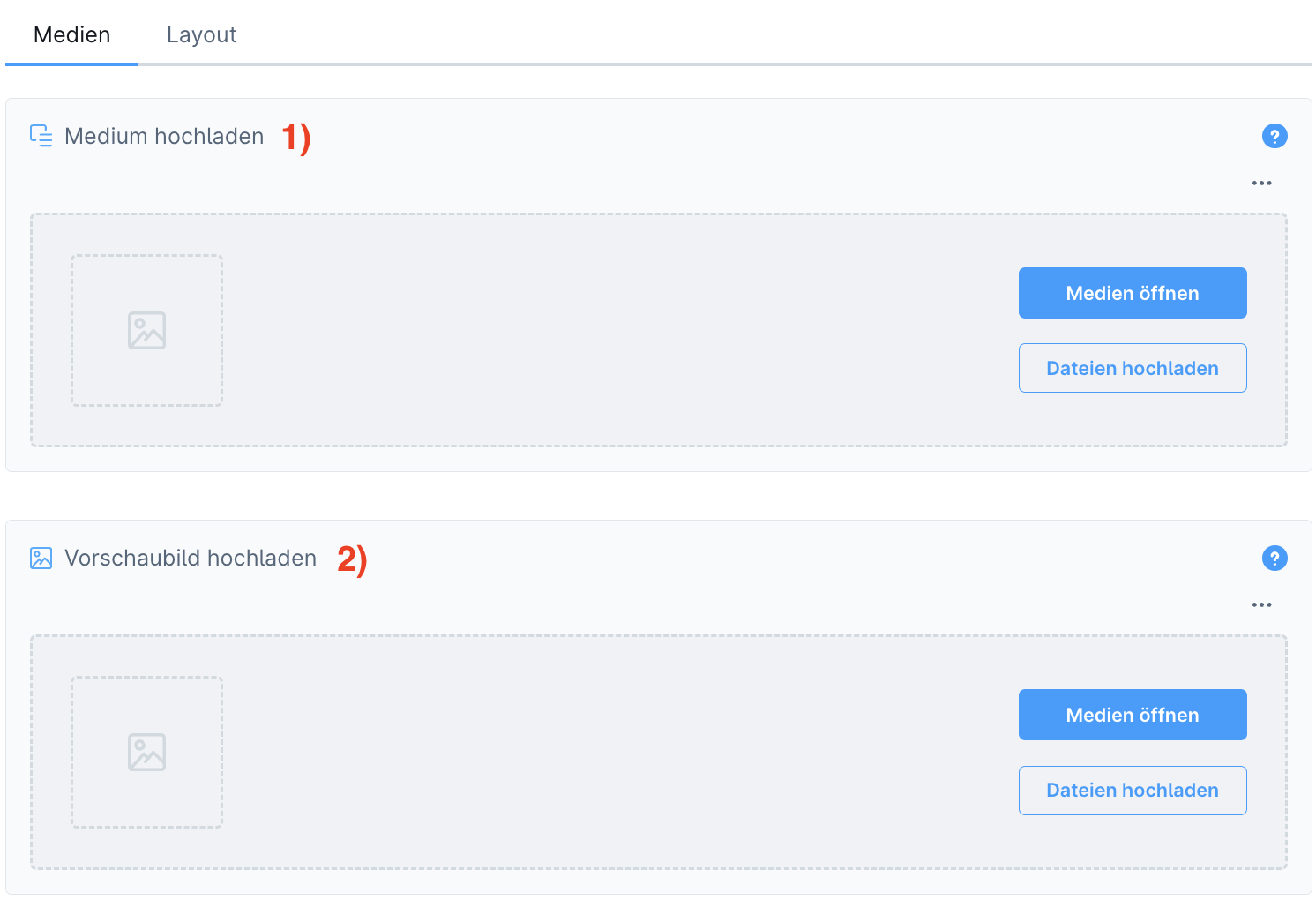
| Upload medium (1) | This file will be available for download afterwards. |
| Upload preview image (2) | The preview image gives the customer a first impression of the download. |
### Layout Settings
| Function | Description |
| ---------------------------- | ---------------------------------------------------- |
| Title of the download (1) | Here you can set the title for the download. |
| Subtitle of the download (2) | Here is the subtitle |
| Specifications (3) | File type and size of the download will be displayed |