> For the complete documentation index, see [llms.txt](https://docs.rh-webdesign.com/cms-bundle/llms.txt). Markdown versions of documentation pages are available by appending `.md` to page URLs; this page is available as [Markdown](https://docs.rh-webdesign.com/cms-bundle/en/blog/storefront/navigation.md).
# Entry point in the navigation
Add the blog as its own menu item in the shop's main navigation.
So that visitors find your blog, you add it as its own menu item in the navigation. Technically this happens via a Shopware category of type **Link** that points to the blog – easiest done right from the blog itself.
## Step by step
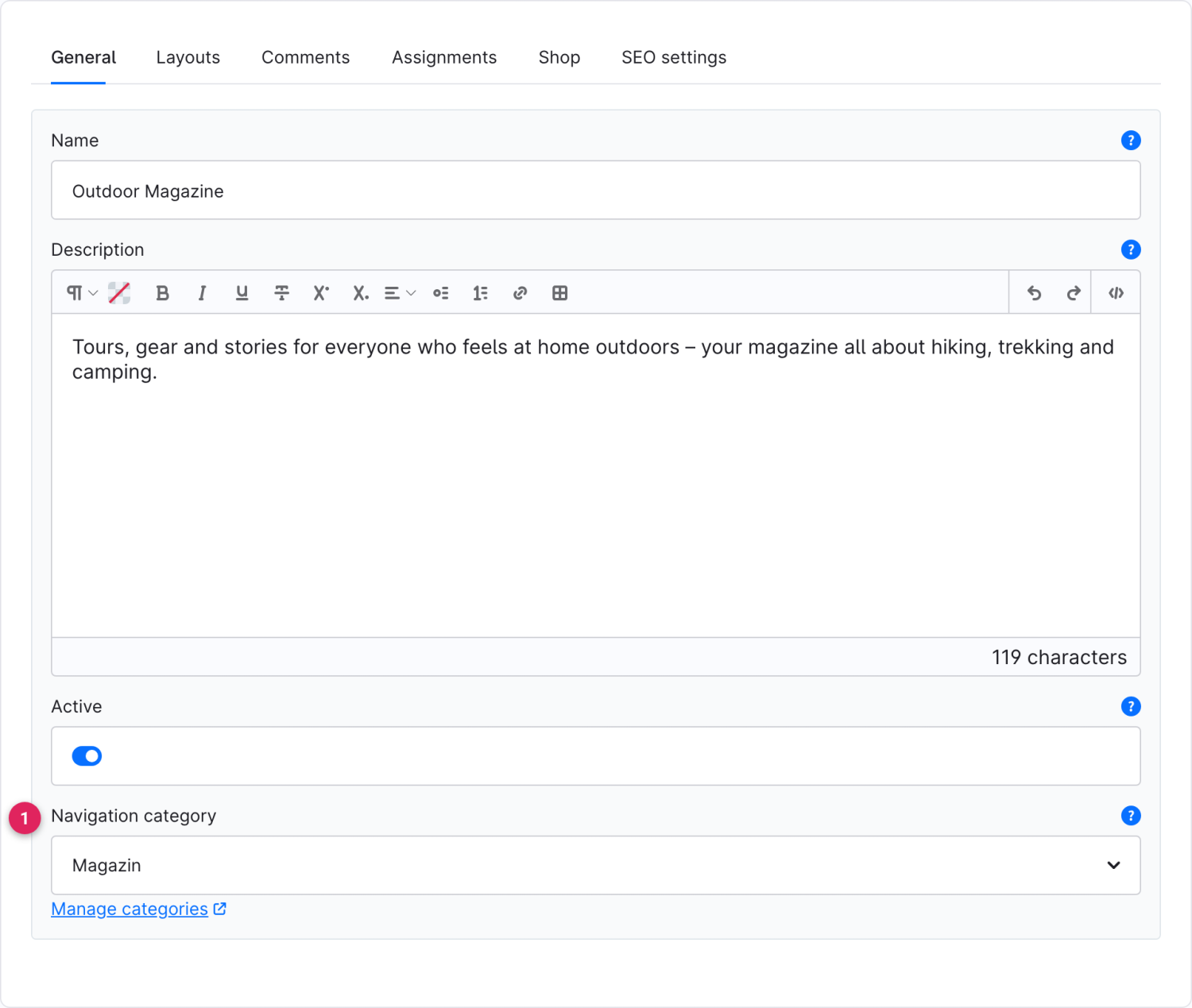
Open the blog (Catalogues → Blog → Blogs) and, in the **General** tab, choose under **Navigation category** the Shopware category under which the blog should appear. After saving, the link is active.
Function
Description
Navigation category (1)
The Shopware category that serves as the entry point. On save it is automatically set to the link type Blog and points to this blog. Use “Manage categories” to jump into the Shopware categories.
Once the category sits in the sales channel's main navigation, the blog appears as a menu item. A click on it opens the [blog overview](/cms-bundle/en/blog/storefront/uebersicht.md) – including its own clean SEO URL.
{% hint style="info" %}
**Alternative via the Shopware categories:** you can achieve the same effect directly under **Catalogues → Categories**. Create a category there (or pick an existing one), set the type under *Link* to **Link** and the link target to **Blog**, and choose the desired blog.
{% endhint %}
{% hint style="warning" %}
Only categories that sit in the respective sales channel's navigation tree and are active appear in the menu. If needed, check the sales channel assignment under **Catalogues → Categories**.
{% endhint %}