> For the complete documentation index, see [llms.txt](https://docs.rh-webdesign.com/cms-bundle/llms.txt). Markdown versions of documentation pages are available by appending `.md` to page URLs; this page is available as [Markdown](https://docs.rh-webdesign.com/cms-bundle/en/blog/elemente/inhalt.md).
# Content
Automatically output the actual content of the current post, blog or category.
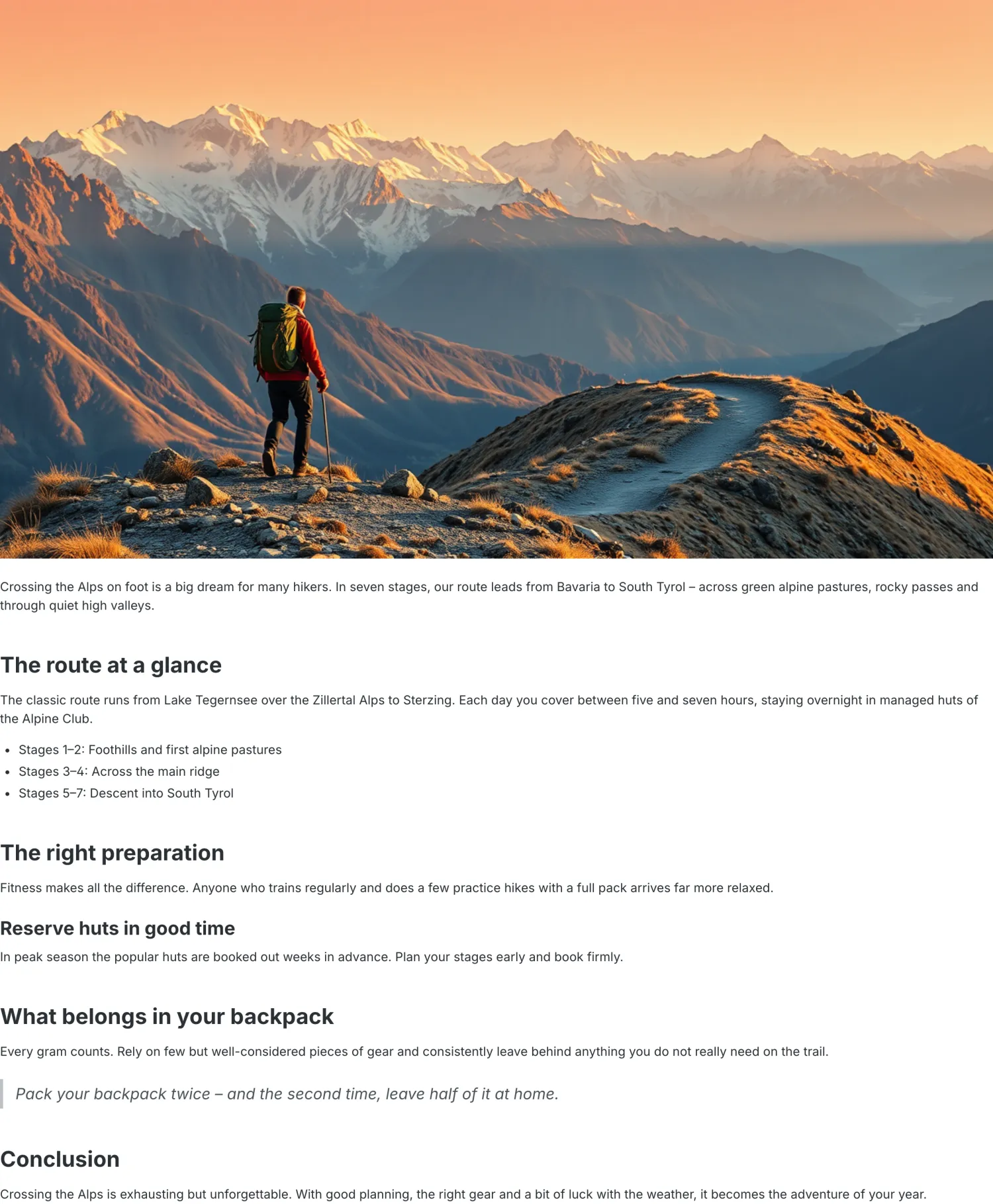
The **Content** element outputs the actual text content of the current item: on a post page the full post text including the cover image and formatting, on a blog or category page the respective description. It is the heart of every post page.
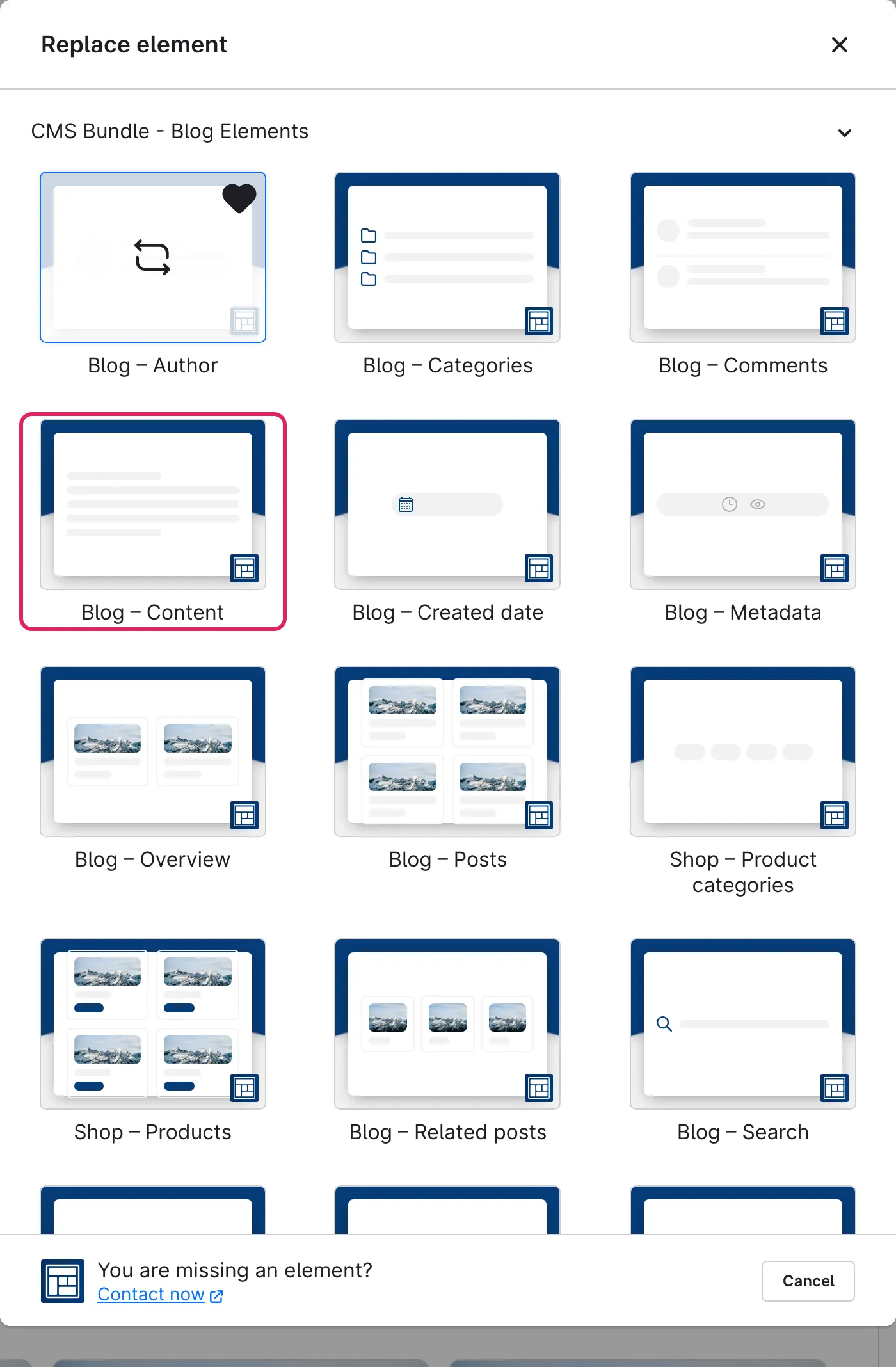
Use Shopware's **element picker** (the **Replace element** button) to add the **Content** element at the desired position – the field outlined in red.
Example in the storefront: the full post content with cover image
### Settings
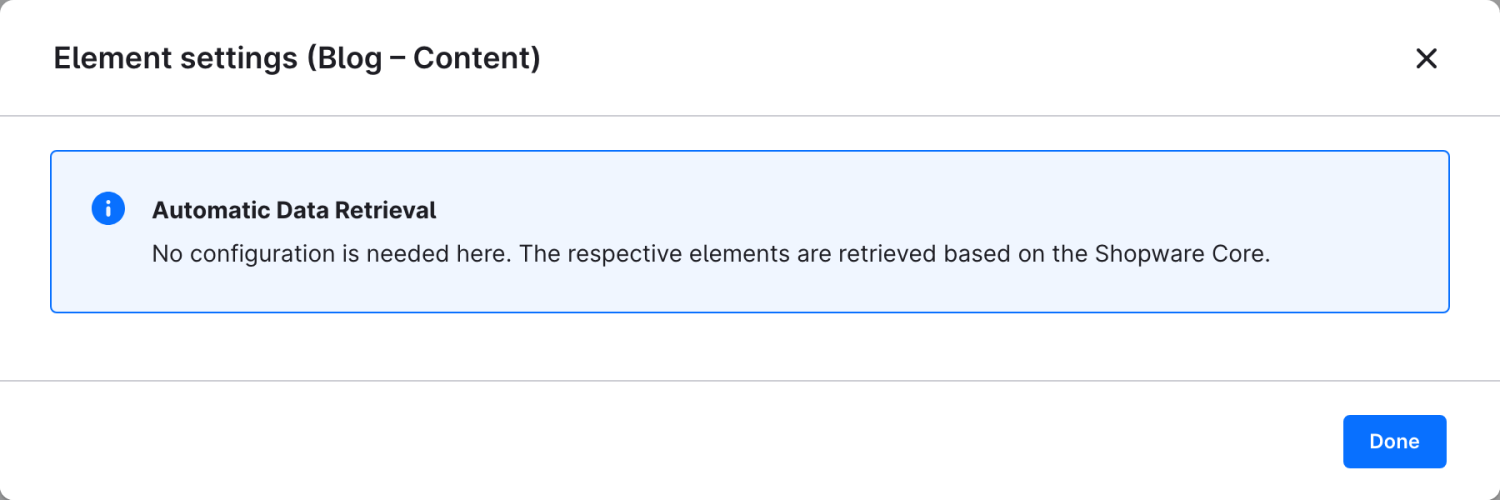
This element requires no configuration. The content is loaded automatically from the current post or blog.