> For the complete documentation index, see [llms.txt](https://docs.rh-webdesign.com/cms-bundle/llms.txt). Markdown versions of documentation pages are available by appending `.md` to page URLs; this page is available as [Markdown](https://docs.rh-webdesign.com/cms-bundle/elemente/navigation/sidebar-navigation.md).
# Sidebar - Navigation
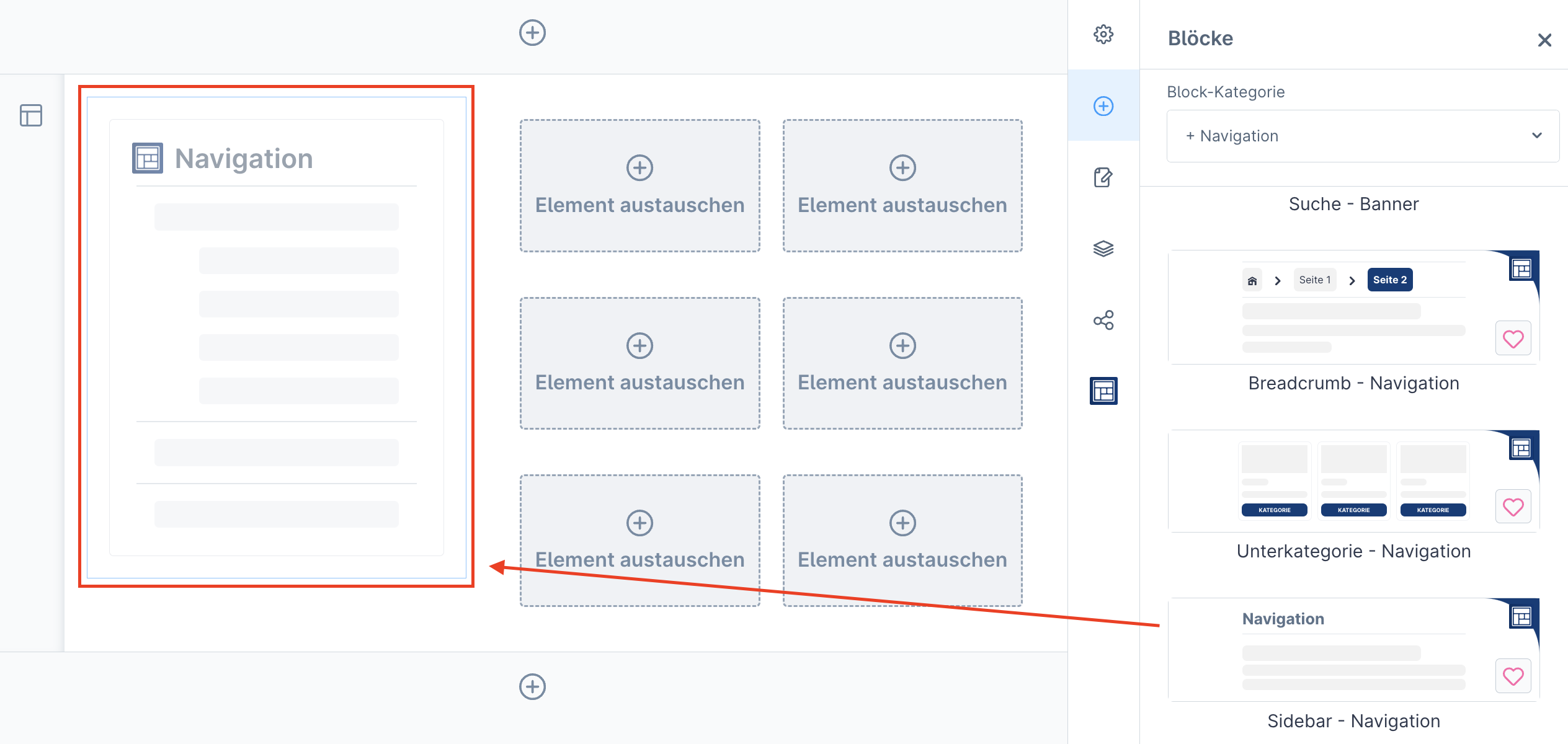
Bietet eine vertikale Navigationsleiste zur verbesserten Benutzerführung innerhalb des Shops.
Die Sidebar-Navigation ist ein flexibel einsetzbares Navigationselement, das sich automatisch an bestehende Kategorien deines Shops anpasst. Obwohl sie für die Sidebar vorgesehen ist, kannst du sie überall in deinem Shop einfügen. Sie bietet deinen Kunden eine schnelle Übersicht über alle verfügbaren Kategorien und verbessert damit die Navigation und Benutzerfreundlichkeit.
{% hint style="info" %}
**Info:**
Die Kategorien werden **automatisch bezogen**, sodass keine manuelle Pflege der Navigationsstruktur nötig ist. Änderungen an den generellen Kategorien werden direkt in der Sidebar-Navigation ausgegeben.
Implementiere dieses Element, um die Menüführung und demnach auch die Nutzererfahrung zu optimieren.
{% endhint %}
### Allgemeine - Einstellungen
Funktion
Beschreibung
Layout - Typ (1)
Hier kannst du neben dem Shopware-Standard, auch ein indiv. Verhalten der Navigation einstellen.